The landscape of web browsing is undergoing a revolutionary transformation. Comet, the groundbreaking AI-native browser from Perplexity AI, is redefining how we interact with the internet, moving beyond passive browsing to an intelligent, conversation-driven experience. If you’re ready to experience the next generation of web browsing, we’re excited to share an exclusive invitation link with you: https://pplx.ai/johnlu197631040
In an era where artificial intelligence is reshaping every aspect of digital life, traditional browsers like Chrome, Firefox, and Edge are beginning to show their age. While these browsers have served us well for decades, they were designed for a fundamentally different internet—one based on navigation and clicking, not thinking and asking. Comet represents a paradigm shift from browsing to cognition, bringing intelligent assistance directly into your web experience.
What Makes Comet Browser Revolutionary
AI-Native Architecture Built from the Ground Up
Unlike traditional browsers that merely add AI features as afterthoughts or extensions, Comet is engineered from the foundation with artificial intelligence at its core. Built on the reliable Chromium framework, Comet maintains full compatibility with your favorite websites and Chrome extensions while introducing capabilities that fundamentally transform the browsing experience.
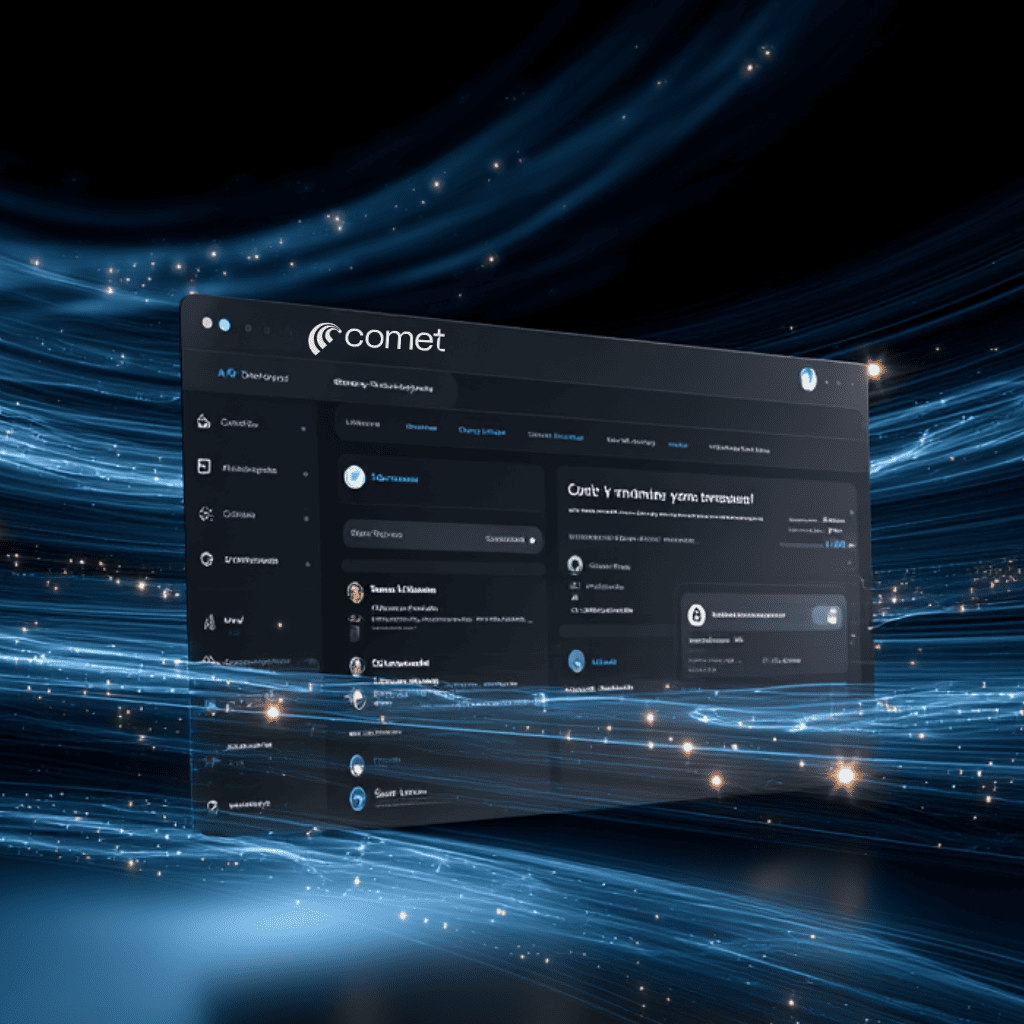
Comet AI-powered browser with a sleek dark-themed user interface showcased in a futuristic design
At the heart of Comet lies the Comet Assistant, an intelligent AI agent that doesn’t simply sit idle waiting for commands. Instead, it actively understands the content you’re viewing, follows along across your open tabs, and performs real-time tasks on your behalf. This represents a revolutionary shift from passive tool to active collaborative partner in your digital workflow.
Perplexity-Powered Search That Delivers Answers, Not Just Links
The traditional “ten blue links” approach to search is becoming obsolete. When you search in Comet, you receive AI-synthesized answers with inline citations rather than a overwhelming list of websites to sift through. Every response is backed by real-time web data, properly cited with verifiable sources, and designed to drive action rather than simply provide information.
This conversational search experience allows you to ask follow-up questions naturally, building on previous queries without losing context—just like having a conversation with a knowledgeable colleague. For content creators, researchers, and professionals, this dramatically reduces the time spent jumping between multiple sources.
Cross-Tab Intelligence That Mirrors Human Thinking
One of Comet’s most impressive innovations is its cross-tab awareness. Unlike standard browsers that treat each tab in isolation, Comet understands your entire browsing context across all open tabs. You can ask it to compare products from different websites, reference an article you read earlier while viewing new content, or synthesize information from multiple pages simultaneously.
This capability mirrors how humans actually think—non-linear, layered, and dynamic—rather than forcing you to adapt to the browser’s limitations.
Key Features That Transform Your Workflow
The Comet Assistant: Your Intelligent Browsing Companion
The Comet Assistant resides in an accessible sidebar, ready to help without cluttering your browsing space. This AI agent can:
- Summarize content instantly: Condense lengthy YouTube videos, Google Docs, articles, or research papers into digestible key points
- Compare across tabs: Pull data from different open tabs to create side-by-side comparisons of prices, features, or information sources
- Execute multi-step workflows: Book meetings, draft emails, complete forms, and perform complex tasks through natural language commands
- Provide daily briefings: Review your calendar, remind you of important events, and suggest relevant content for your scheduled meetings
Agentic Browsing: Your AI Takes Action
Perhaps the most futuristic capability of Comet is what the industry calls “agentic browsing”. This means the AI assistant can actually navigate websites, click buttons, fill out forms, and complete tasks autonomously on your behalf—all through simple conversational commands.
Imagine telling your browser to “find the best flight from New York to London next Tuesday and fill out the booking form with my details,” and watching as the AI navigates through airline websites, compares options, and completes the purchase process. While this feature is still evolving, it represents a glimpse into the future of web interaction where your browser becomes a true digital assistant.
Seamless Migration and Familiar Ecosystem
Switching browsers has traditionally been painful, but Comet makes the transition effortless. Built on Chromium, Comet supports:
- All Chrome extensions you already rely on
- One-click import of bookmarks, passwords, browsing history, and settings from Chrome or other browsers
- Native ad blocker built directly into the browser for a cleaner experience
This means you can experience cutting-edge AI capabilities without sacrificing the tools and workflows you’ve already established.
Voice Mode for Hands-Free Productivity
With Voice Mode (activated by Shift + Alt + V), you can have natural conversations with your browser while your hands are occupied. Content creators have used this feature to get step-by-step instructions while assembling equipment, drafting responses while cooking, or conducting research during commutes—all without touching the keyboard.
Shortcuts for Workflow Automation
Comet’s ShortCut feature allows you to create custom automated workflows using natural language commands, accessible from anywhere with a simple “/” (forward slash). You can build personalized shortcuts for repetitive tasks like: